Hold
Keep a key down. Fn, Right Option, whichever you pick. It never types a stray character.
Free & open source · macOS
VoiceYak is push-to-talk voice to text for your Mac. Hold a key, say what you’re thinking, and release. It’s pasted wherever your cursor is. The AI dictation runs on your machine, so nothing you say ever leaves it.
Free forever · Apple Silicon · macOS 26.2+
Hold the key below. Watch this line.
Click and hold the key, or hold space.
0:00 → 0:03
Keep a key down. Fn, Right Option, whichever you pick. It never types a stray character.
The pill listens while you talk. Say a sentence or dictate for minutes. It keeps up.
Let go. Transcribed on-device, pasted right where you were typing. In any app.
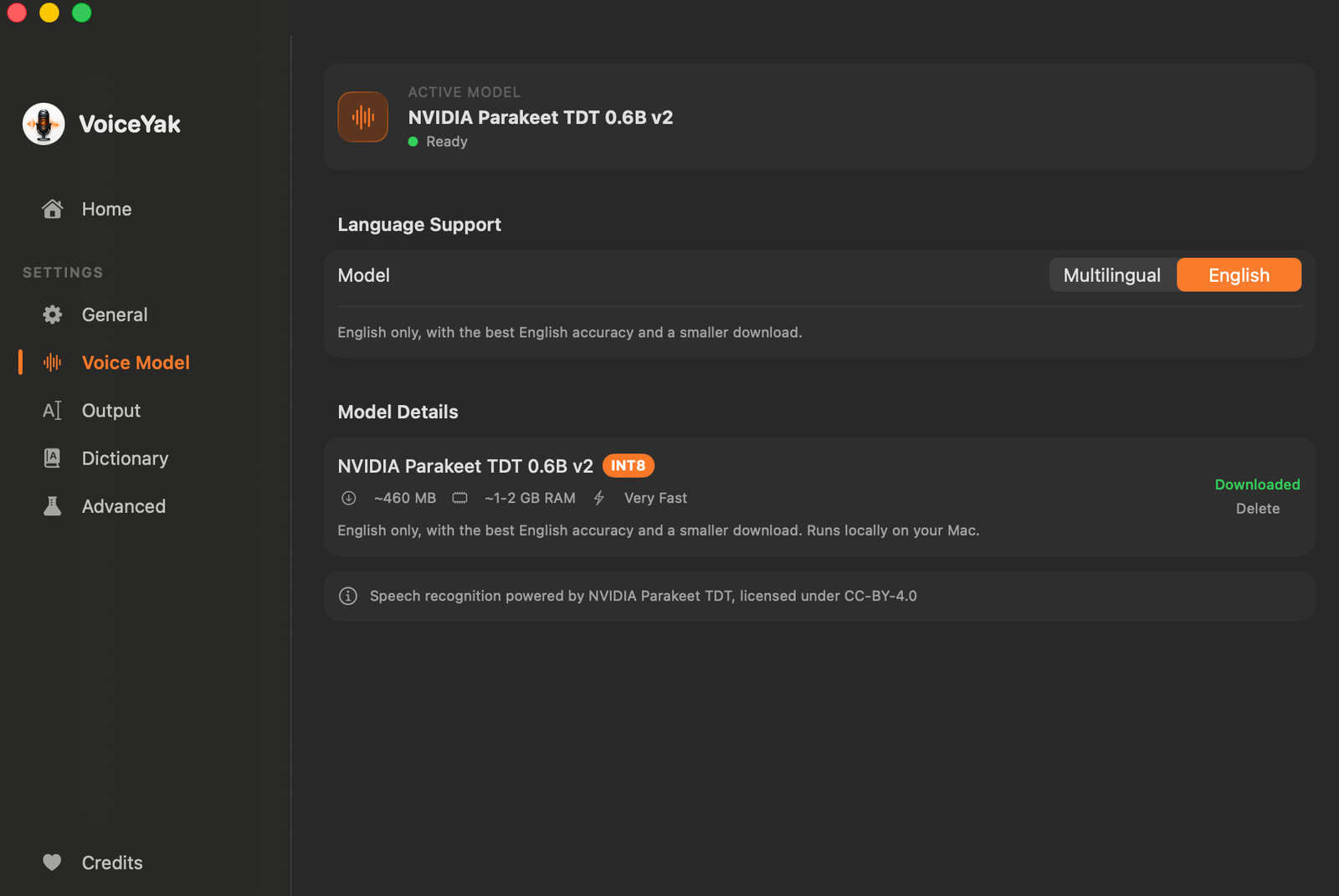
On-device AI
NVIDIA’s Parakeet TDT, the same family that tops open speech leaderboards, quantized to int8 and running locally on Apple Silicon. Accuracy you’d expect from the cloud, latency you wouldn’t.
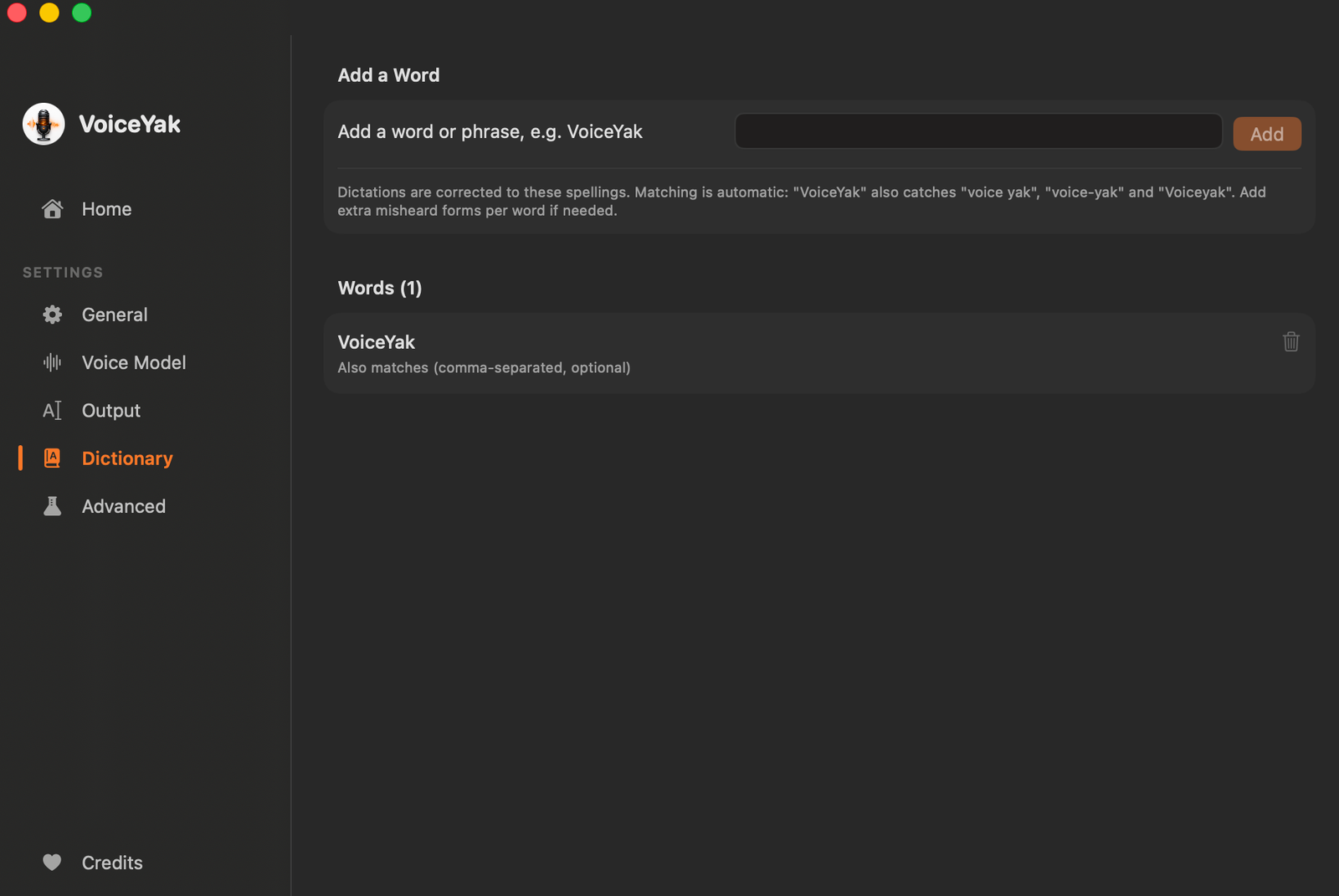
Custom dictionary
Product names, jargon, the way you actually talk. Fix a misheard term once and VoiceYak gets it right from then on. Your dictionary is yours, stored on disk, editable any time.
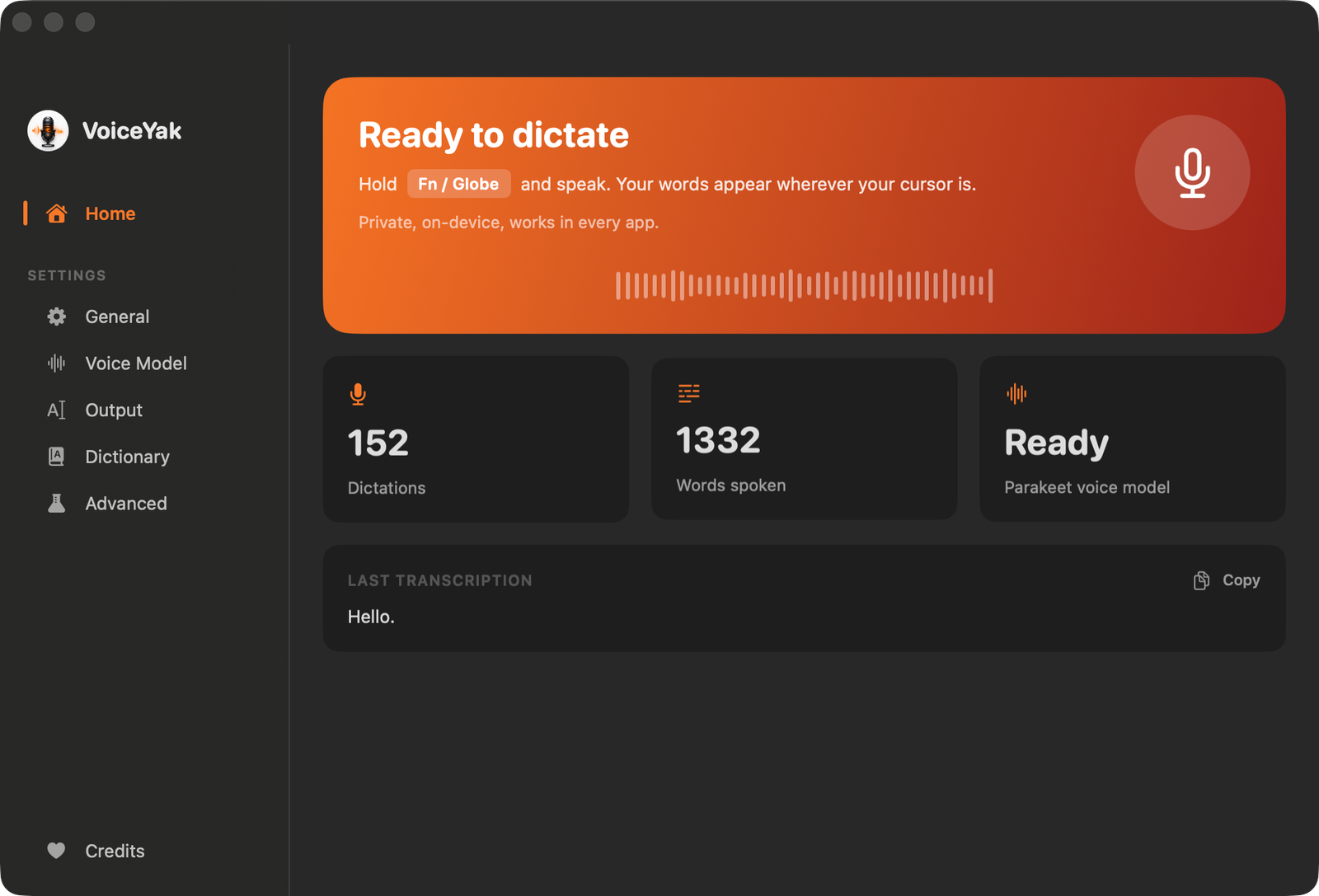
Quiet by design
VoiceYak lives in your menu bar and stays out of the way. A dashboard when you want it, a floating pill while you speak, and nothing at all the rest of the time.
Privacy
No cloud transcription. No account. No telemetry. The only network requests VoiceYak ever makes are a one-time model download and a release check you explicitly opt into. Don’t take our word for it: the source is public.
42 seconds